TrialKit’s AI model is able to create a protocol, or ingest an existing protocol, and build out the corresponding study database in minutes, including all the forms, visit schedule, and ePRO diaries. This tool will save hundreds of hours that a study Builder would otherwise spend.
This article will go through the full process from protocol authoring through study build. If you already have a study protocol, or at least a summary, and all the forms drafted, it’s also possible to do in a more granular approach - for example, you might prefer to build the study manually for more direct control, but you still want AI to build the forms.
Apple Devices Only
This particular function is limited to the Mac desktop app, or iOS app at this time.
Develop the Protocol
Using the FormModel as shown below, the first step, within a session, is to start some dialog with Floyd AI to help it learn about the study. If the study is for a product already publicly available. you could start with a prompt like:
“ACME Medical has developed a non-invasive ACME device - Tell me more about this technology.”
Alternatively you can tell Floyd all about the topic if the information is not externally available.
The Prompt is Key
Your prompt with detail of instructions is the key to success with anything in the world of AI. The more vague the instructions are, the more manual adjustments will be required. Give Floyd as much information as you know.
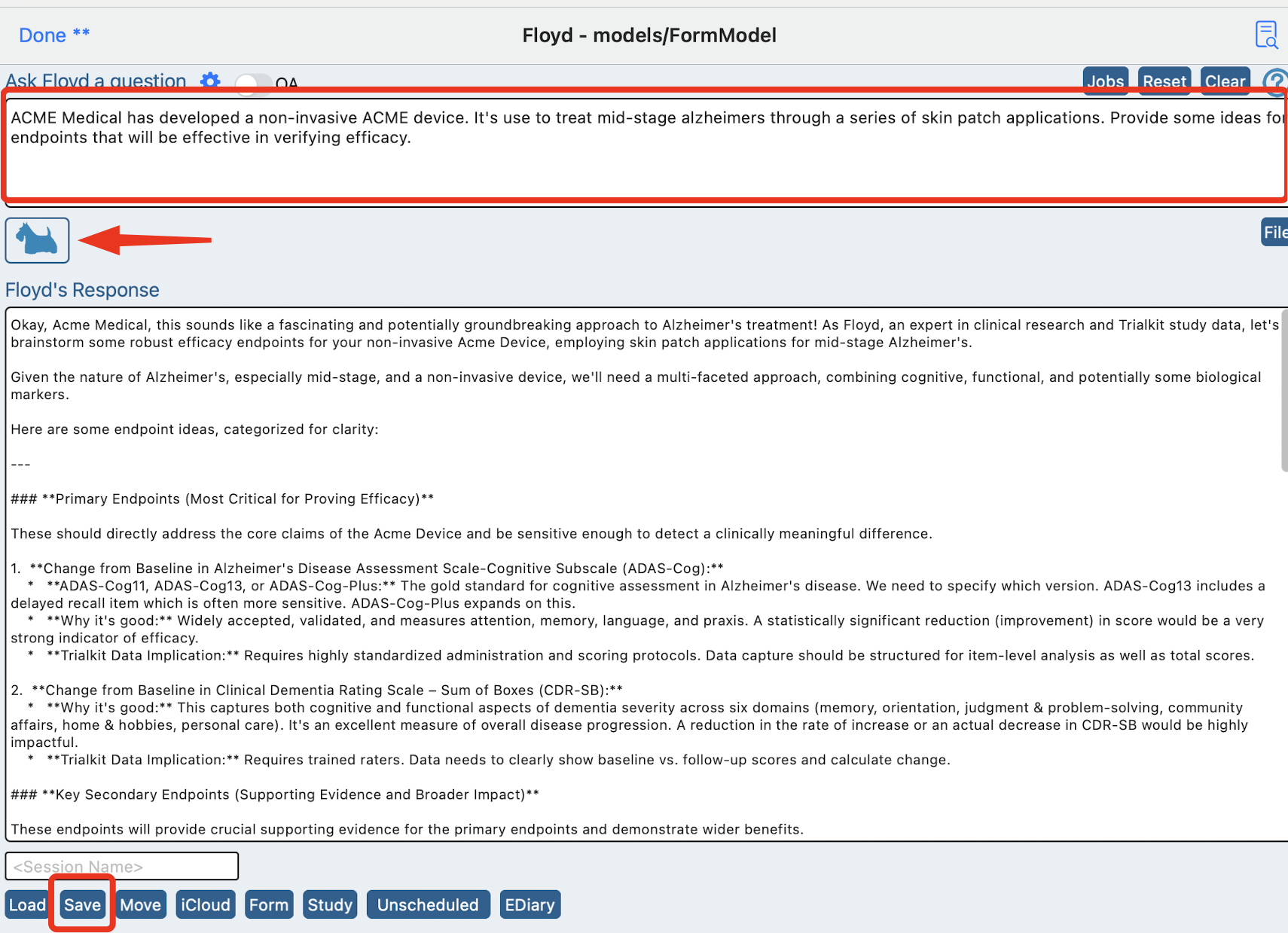
Once Floyd has an awareness of the topic, a protocol can be generated.
Save the session
At this early stage, it’s helpful to save the session to return to later
Generate a protocol
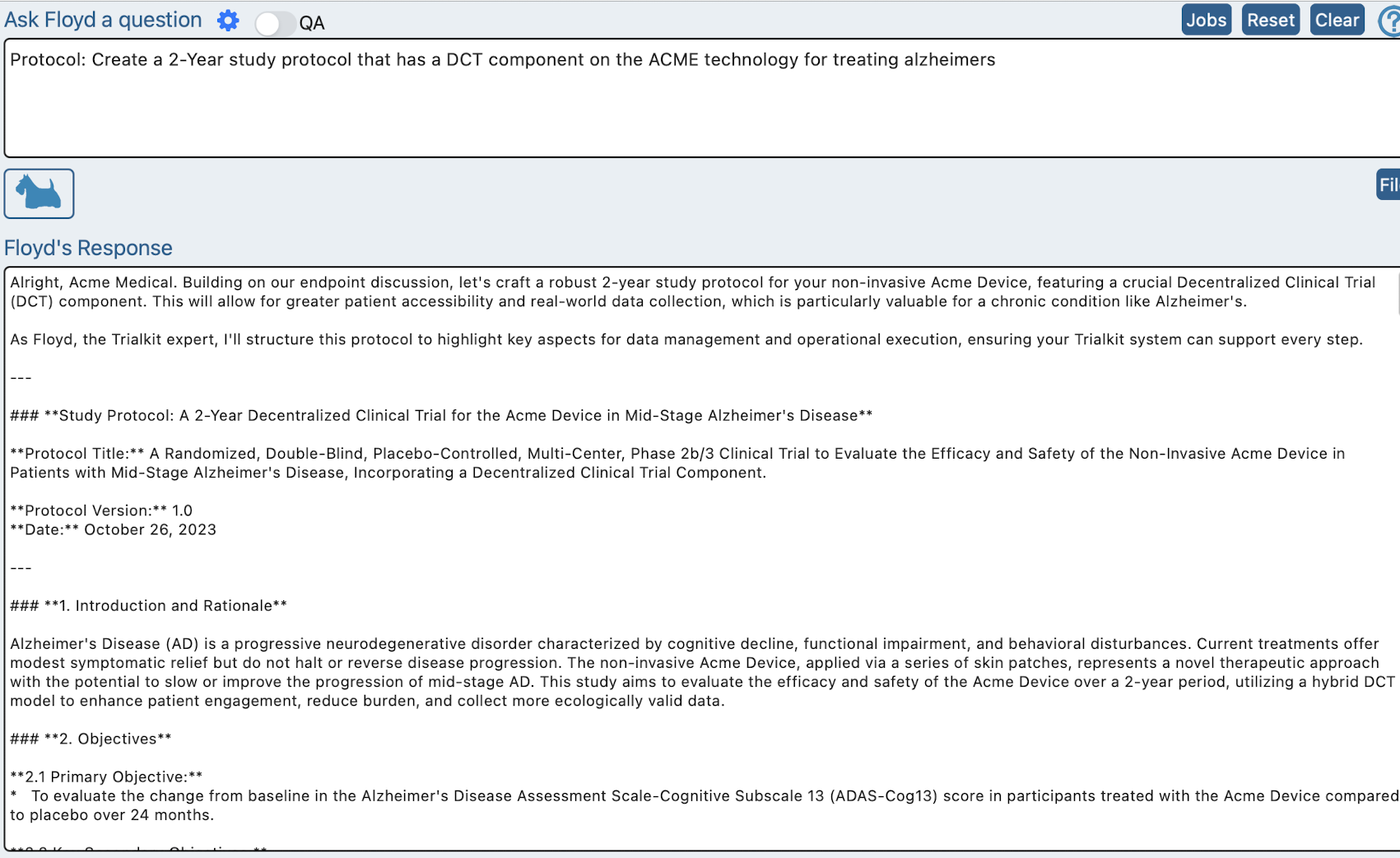
With all the necessary knowledge about the product and goals having been identified within a chat session, it’s now possible to ask Floyd to author a protocol.
Clear the previous chat and type something like:
“Protocol: Create a 2-Year study protocol that has a DCT component on the ACME technology for treating alzheimers”
Uploading a protocol
If the protocol already exists, use the file option to upload it prior to building the study
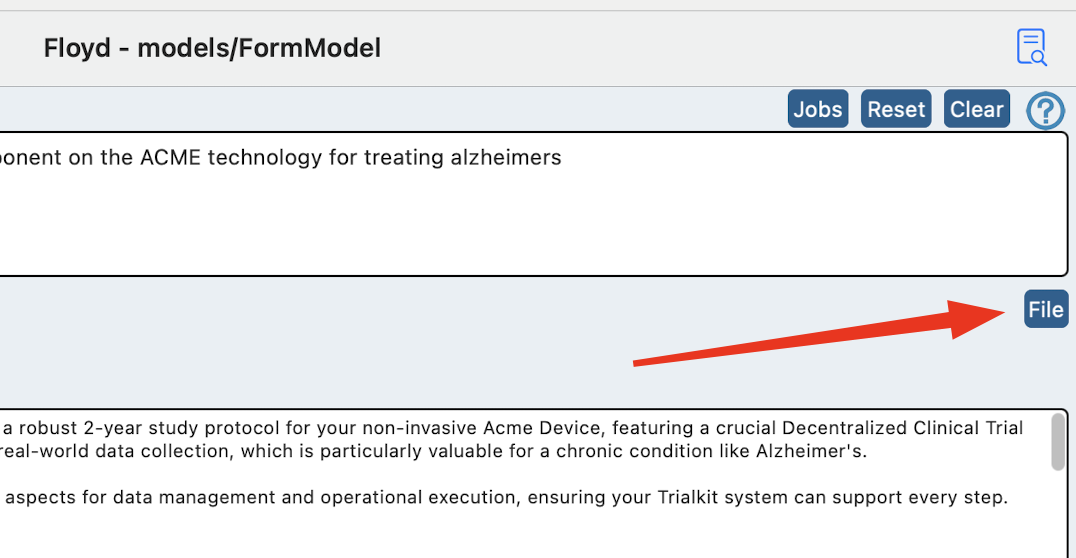
Now type:
“Protocol: Summarize the protocol”
This will teach Floyd about the study
Build the study
Now the Floyd is fully aware of the study design, it’s time for the magic.
Building forms and the visit schedule in one step
If the forms are not already drafted with specific requirements, TrialKit can generate them on its own.
Clear the previous prompt and type in the existing chat session:
“Schedule: Create the visit schedule and CRFs. <insert any other specific instructions that should be considered>.”
Floyd will begin working in the background. Save the session chat progress and exit to continue other work. You could also head straight over to the form builder to watch as it begins building the forms. The form library will grow as more forms are built behind the scenes.
Building forms if they already exist
If you already have PDFs of the individual forms, those can be uploaded in a more controlled manner for Floyd to individually build. In this case, another prompt will be necessary.
Since the forms are pre-defined, there is no need for study context. For that reason a separate/new chat session can be created for this step by tapping the “Reset” button at the top.
Next use the File option to upload a PDF for the first form you want to create. Note, pre-uploading the PDFs to iCloud will be necessary in order for TrialKit app to access them.
After uploading the file, type:
Form: “Build the <form name> form. <Insert any other specific instructions for Floyd to consider in the build>.”
When finished, Floyd will return all the form data in a coded format for preview and simultaneously prompt for a form name. Type the name you want the new form to have. It will instantly be created and available in the form builder.
Repeat that process for each form/PDF.
Putting the forms into a schedule
In this case since AI was only used to build the forms one by one, the visit schedule is not automatically created like it is with the first method above. It will be necessary to manually create visits and place the forms in the appropriate visits.
The steps above is 90% of the work in building a study. Now there are other factors to consider in the standard process where AI is not involved. Read more here about study building steps to consider.